You do not need a professional designer to make a good wedding invitation. With a clear layout, a suitable image and a free design tool, you can create a card in an afternoon. Here is a simple process you can follow.
1. Decide where the invitation will be used
A printed card, a WhatsApp or email e-invite and an Instagram story each need a different size. Decide first, because the size changes the design.
- Digital e-invite: 1080 × 1920 pixels (portrait) works well on phones.
- Printed card: commonly 5 × 7 inches. For print, ask your printer for the exact size and resolution they need, usually 300 DPI.
- Social post: 1080 × 1080 or 1080 × 1350 pixels.
2. Choose an image with space for text
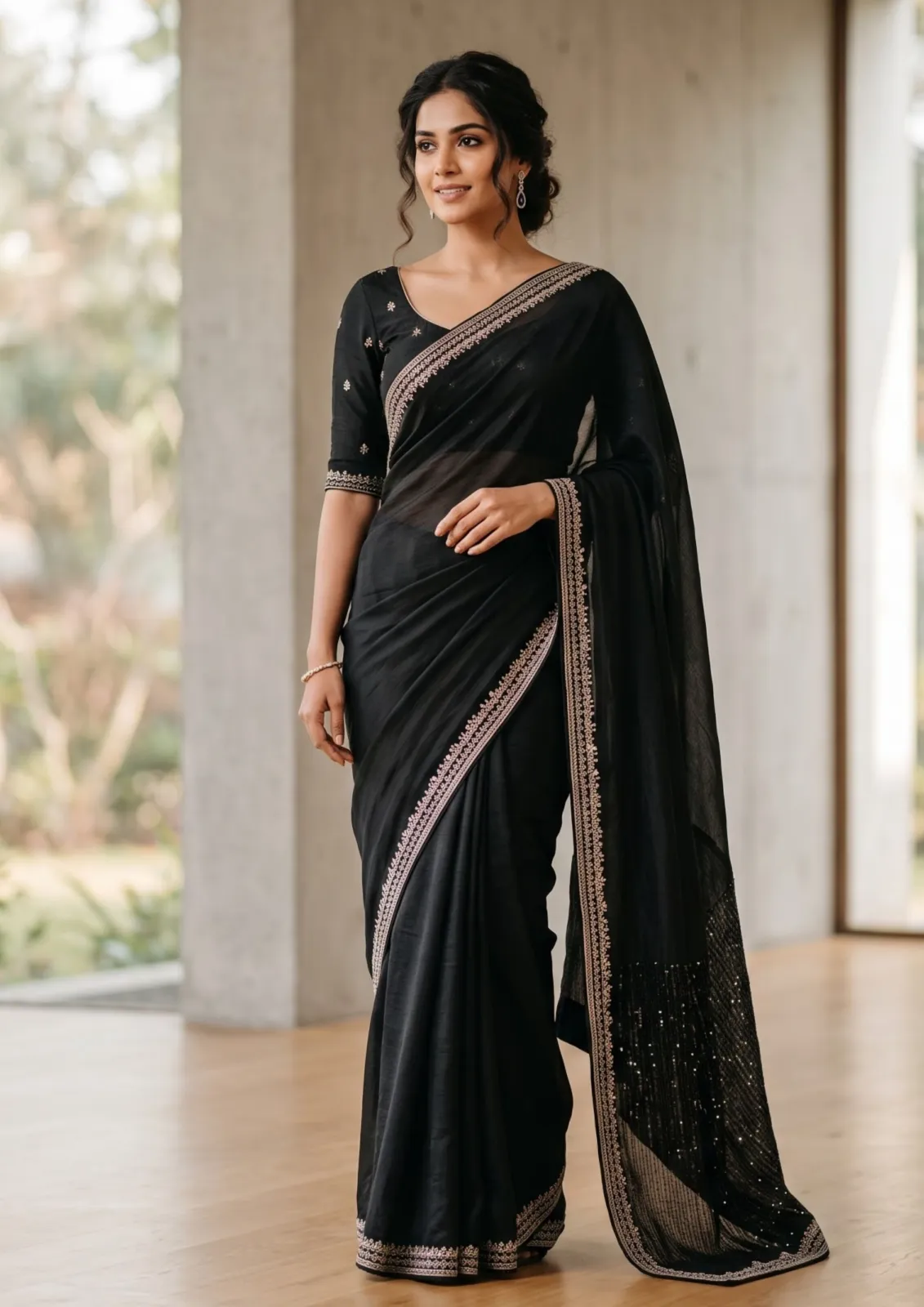
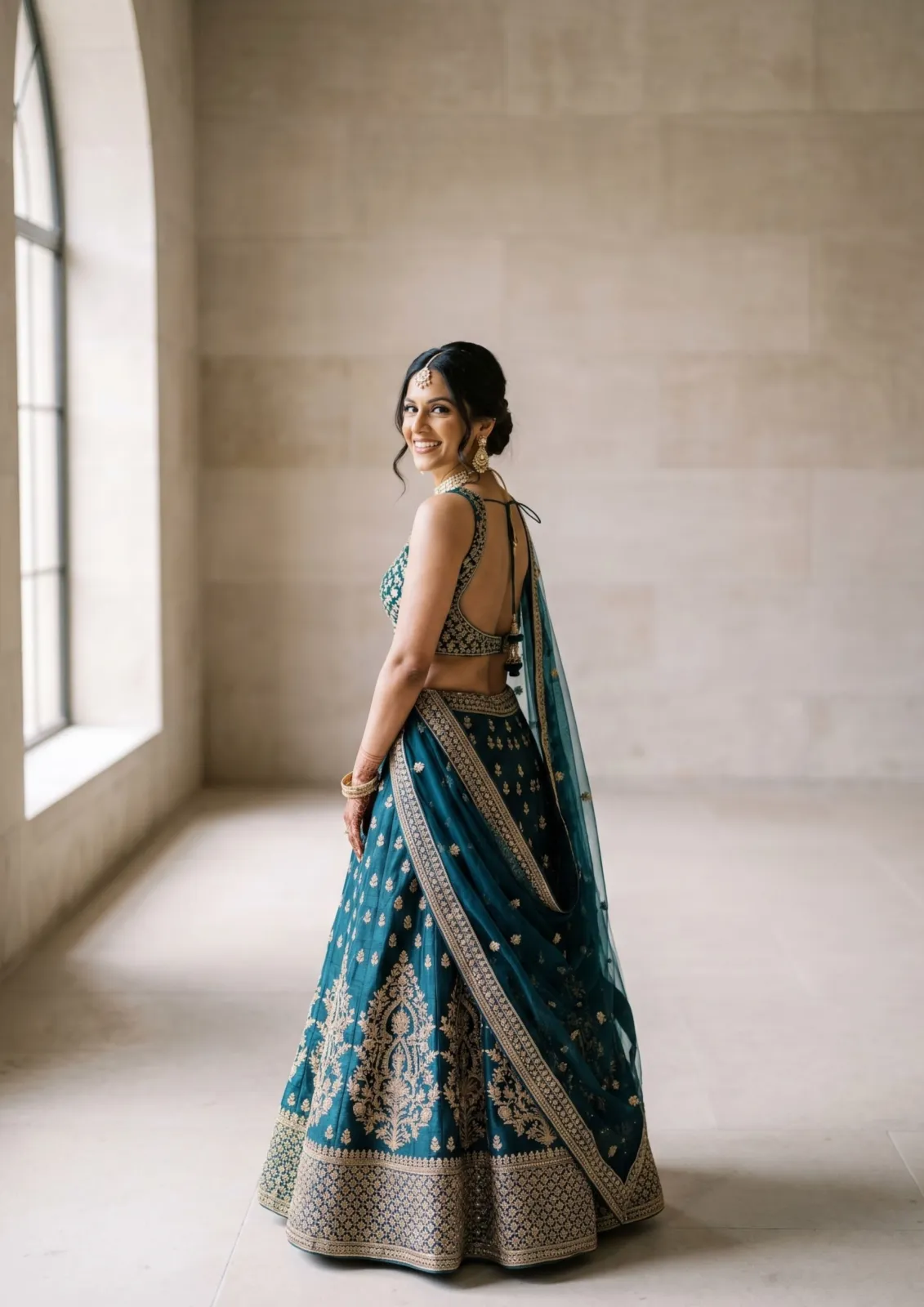
The most common mistake is using a busy image that leaves no room for names and dates. Pick a picture with a calm area, for example sky, a blurred background or a plain wall. Look at our wedding and bride images or the wedding sub-category and imagine where the text will sit.
3. Set the hierarchy
Guests should find the essentials in a few seconds. Use this order:
- Names of the couple (largest text)
- Date and time
- Venue and city
- RSVP details or a short line of welcome
4. Keep colours and fonts simple
Use two or three colours taken from the image. One decorative font for the names and one plain font for details is enough. Too many fonts make the card look messy and harder to read on a small phone screen.
5. Add a soft overlay if text is hard to read
If the text does not stand out, place a semi-transparent white or dark layer over part of the image. Reduce the image brightness slightly rather than adding heavy shadows to the text.
6. Check on a phone and print a test
Most guests will read the invitation on a phone. Zoom out to actual size and check that everything can be read without pinching. For printed cards, print one test page at home before ordering the full batch.
A note about AI images
Pixvora images are AI-generated. The couples and brides are not real people, so they are best used as decoration, mood boards and sample designs. Do not present them as photos of your actual wedding or of real guests. Also read our license before using an image in a paid design service.
Quick checklist
- Right size for print or screen
- Image with clear space for text
- Names, date, venue in that order
- Two or three colours, two fonts
- Tested on a phone and on paper